'/%3e%3c/svg%3e)
Montserrat
Montserrat — a geometric sans serif for branding and interfaces
About this font
Montserrat is a geometric sans serif started by Julieta Ulanovsky, inspired by old signs and posters in the Montserrat neighbourhood of Buenos Aires. Its distinctive capitals suit headings, navigation and visual identities; for body text, try Regular with comfortable line spacing.
This download contains version 9.000: 18 static styles and two variable fonts, upright and italic. It supports Latin and Cyrillic characters, including Ukrainian. TTF and WOFF2 files, the original SIL Open Font License 1.1 and setup examples are included in the archive.
- Usage
- Free for personal use
- Free for commercial use
- License
- SIL Open Font License 1.1
- Formats
- WOFF2, TTF
- Designer
- Julieta Ulanovsky, Sol Matas, Juan Pablo del Peral, Jacques Le Bailly
- Variable font
- Yes
- Cyrillic support
- Yes
- Categories
- Sans, Google fonts
- Styles
- Black, Black Italic, Extra Bold, Extra Bold Italic, Bold, Bold Italic, Semi Bold, Semi Bold Italic, Medium, Medium Italic, Regular, Italic, Light, Light Italic, Extra Light, Extra Light Italic, Thin, Thin Italic
Montserrat font example
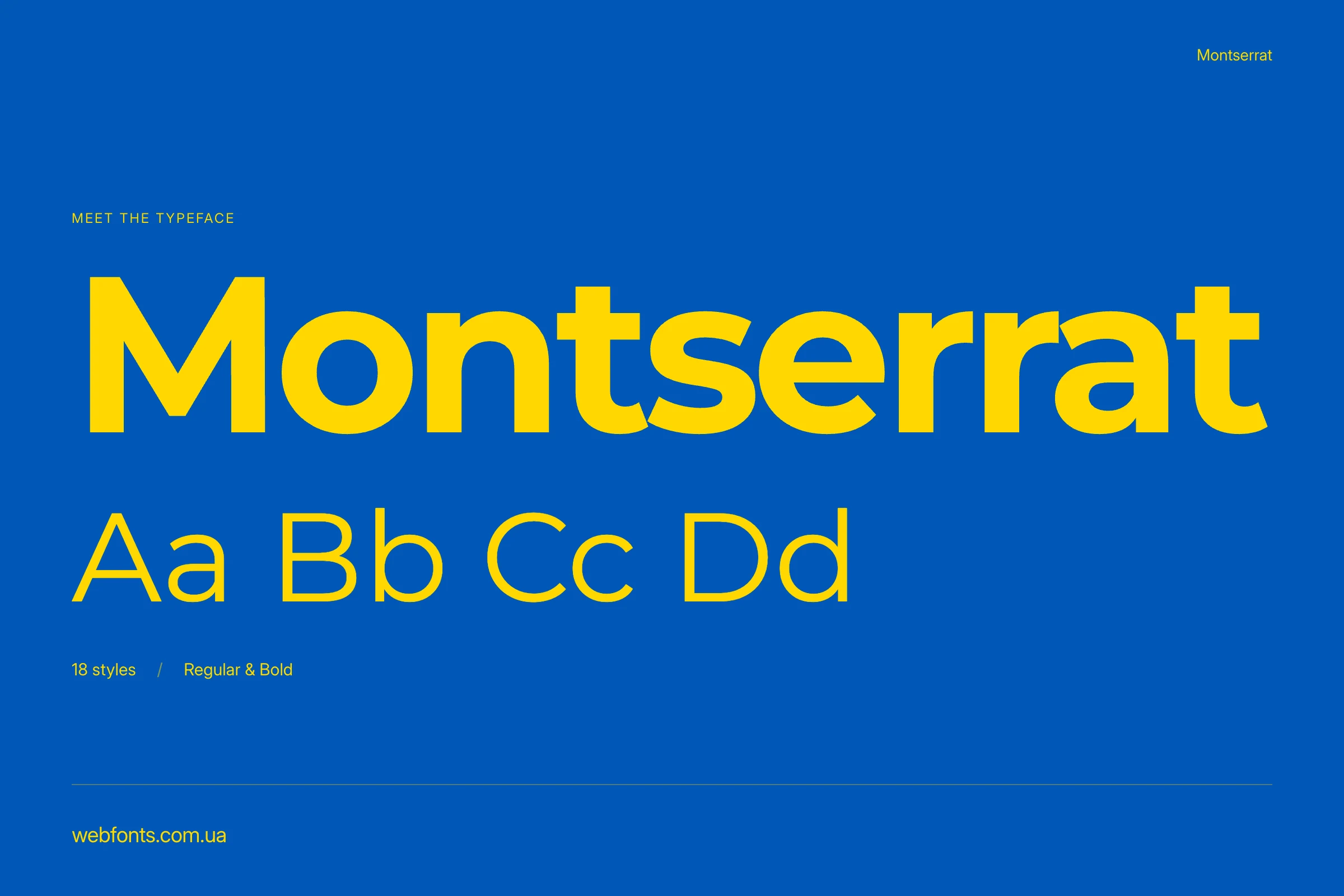
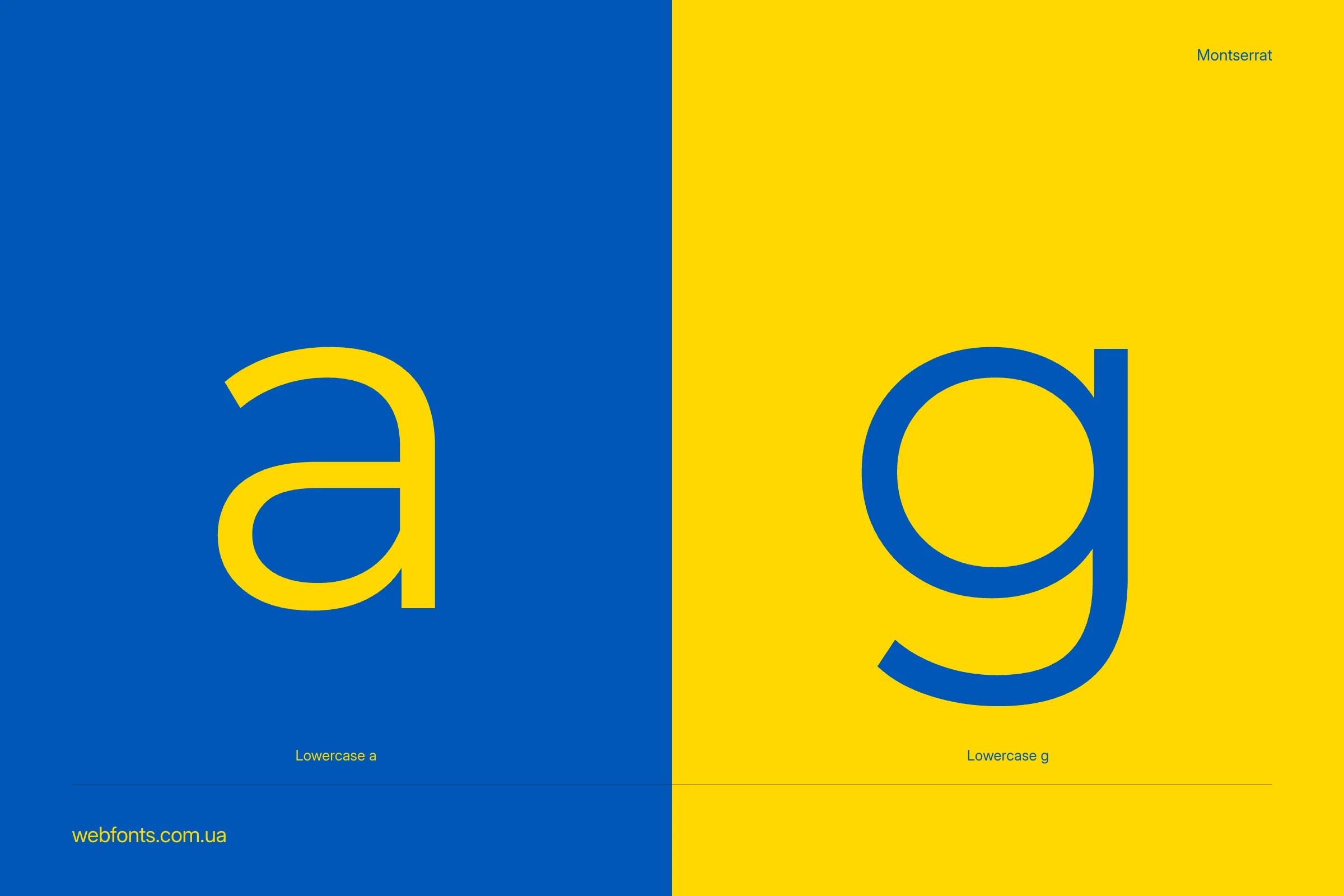
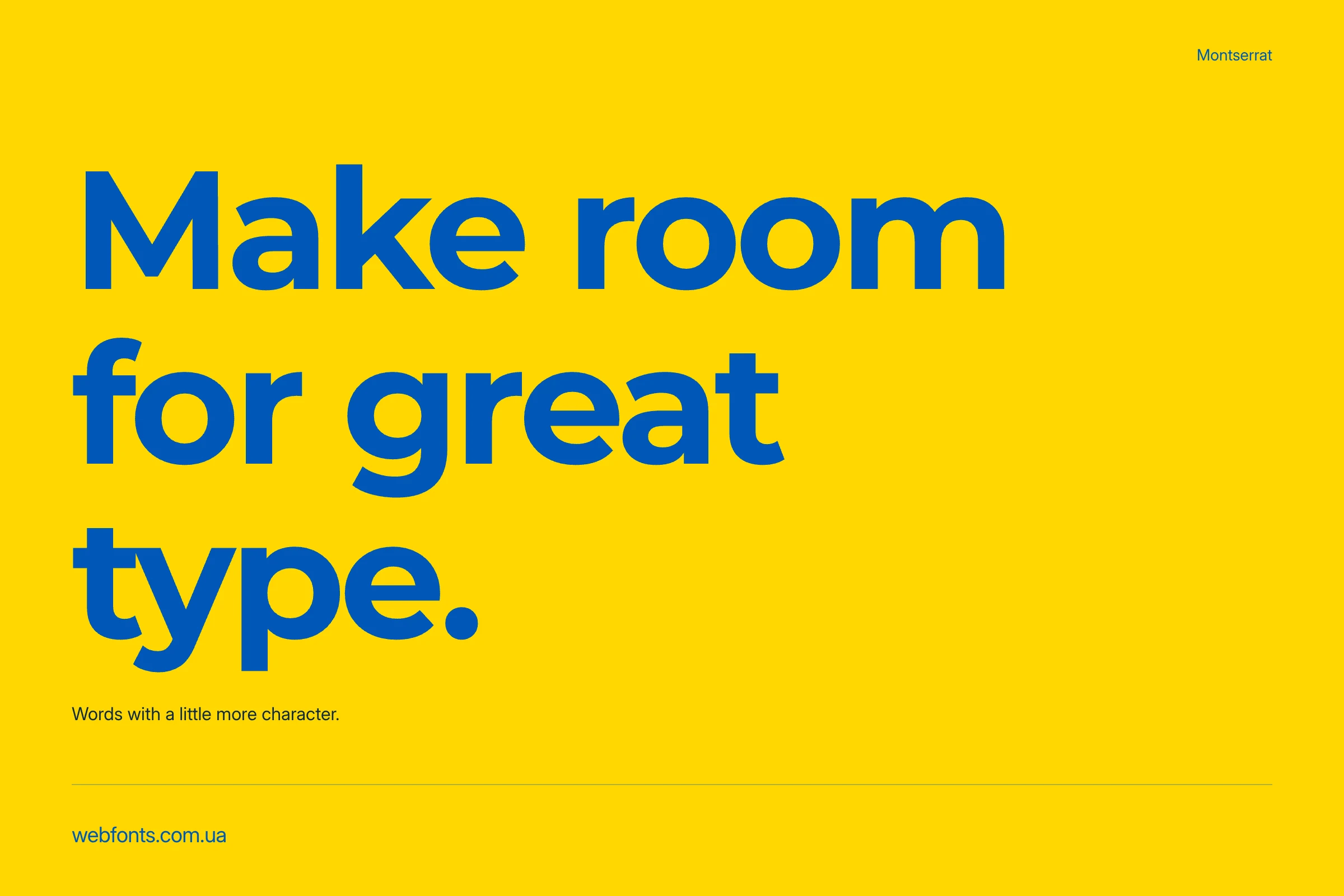
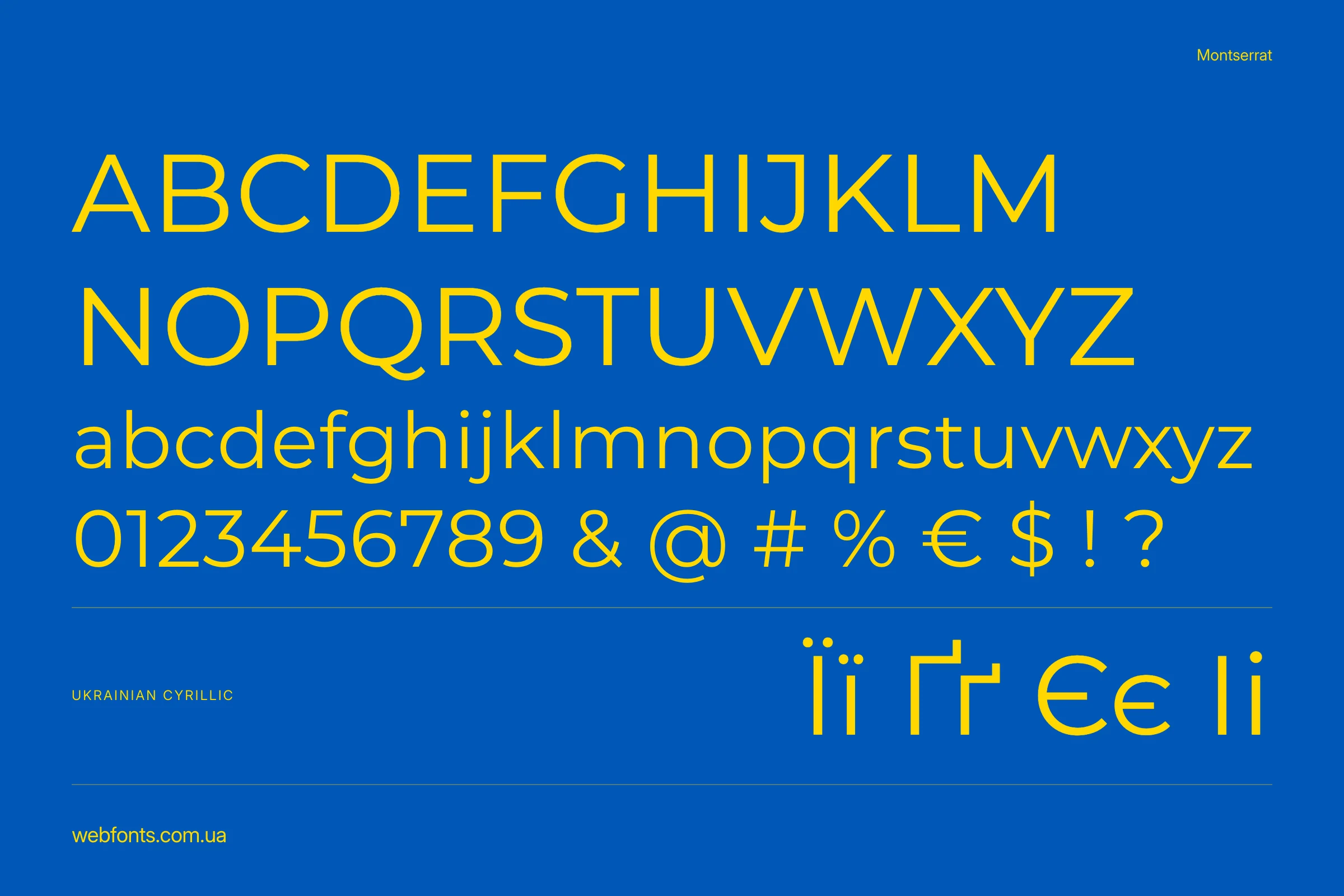
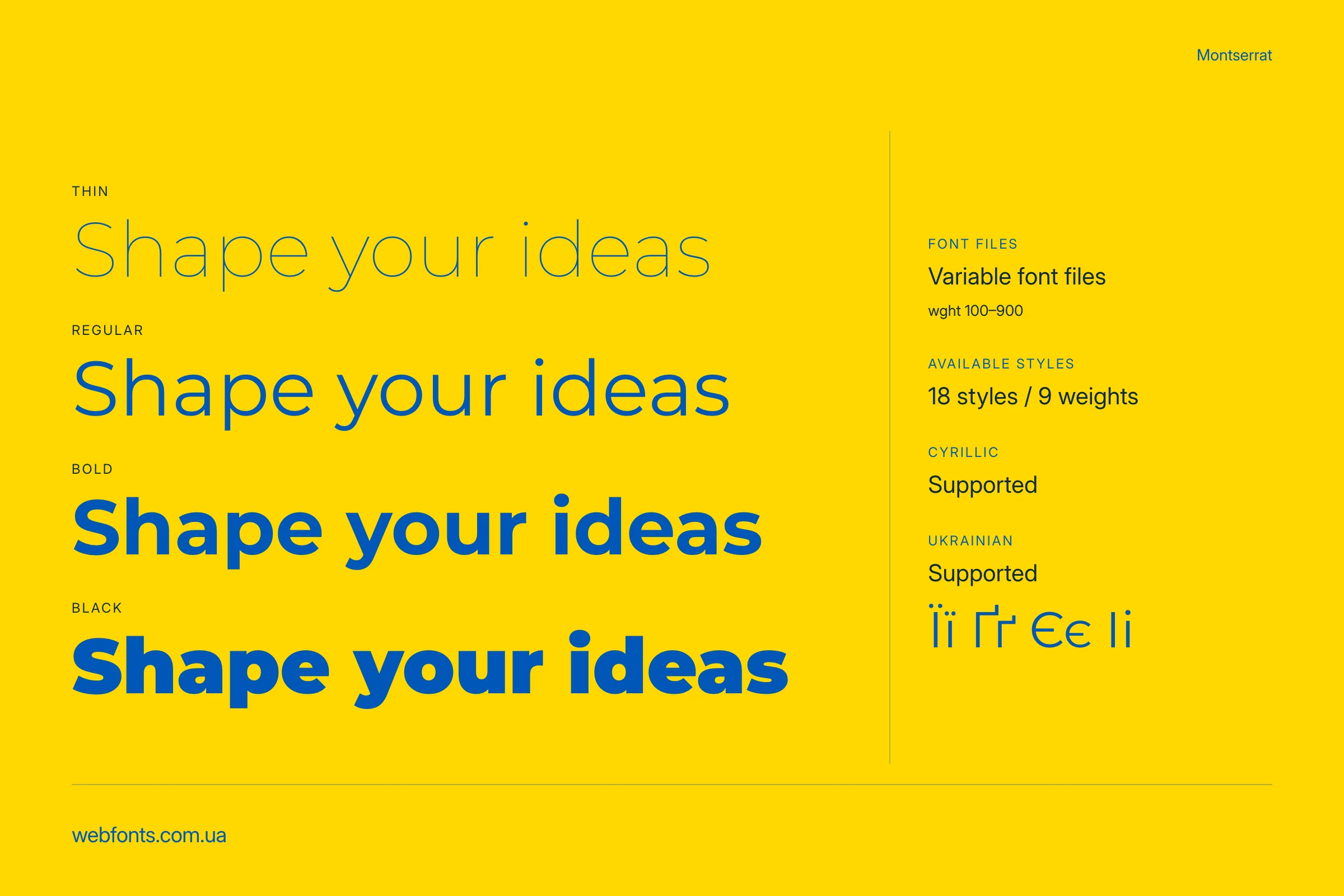
Montserrat styles and variable fonts
The family has nine weights: Thin 100, ExtraLight 200, Light 300, Regular 400, Medium 500, SemiBold 600, Bold 700, ExtraBold 800 and Black 900. Each weight has an italic counterpart, making 18 static styles.
Start with Regular 400 for body text, try Medium 500 or SemiBold 600 for navigation and short labels, and Bold 700 for a prominent heading. These are starting points: check readability at your actual size and against the background of your design.
Variable Montserrat lets you choose any weight from 100 to 900, including values such as 450 or 650. At the beginning of the Styles section, a dedicated preview provides a Weight slider and an italic switch. Upright and italic are supplied as two separate files. This version has no width axis.
Language support and live preview
Montserrat supports Latin and Cyrillic, including Ukrainian. Use the live preview to test your own headings, paragraphs, numbers and punctuation.
Try “Design starts with letters. Aa Bb Cc 0123456789”, then compare different weights at the size you plan to use.
Installing Montserrat and using it on a website
Download and extract the ZIP. Use TTF files for desktop installation: open the file and choose Install in Windows, or open it with Font Book in macOS. Restart your editor after installation if the font has not appeared in its font list.
For everyday documents and layouts, you can install the static styles you need. Use the variable TTF files for continuous weight selection in applications that support them. Avoid installing both sets at the same time: their shared family name can cause conflicts. If a variable font displays incorrectly in your editor, try the static version.
To use Montserrat on your website, open the CSS generator: select the styles you need, choose WOFF2 and enter the path to your font files.
Load only the styles your website uses. For the variable fonts, README.txt includes a setup example with the font-weight: 100 900 range.
The Montserrat folder also contains demo.html and stylesheet.css. Open the HTML file after extraction to inspect the static styles and a local setup example.
License and official source
Montserrat is distributed under the SIL Open Font License 1.1. It is free to use in personal and commercial projects, including websites, printed materials, documents and logos. The font license does not require the designs you create to be released under the OFL.
When redistributing the font files themselves, retain the copyright notices and license text. The font may not be sold on its own as a standalone product. Read the original OFL.txt included in the archive and the official OFL 1.1 text for the full conditions.
Our files and family information come from the Montserrat project repository. The family is also available on Google Fonts. Our archive preserves the original version 9.000 TTF and WOFF2 files without reducing their character sets; only filenames and folders have been changed to follow the catalogue structure.